🏥 Medical / Hospital Report
The Medical / Hospital Report provides healthcare-specific financial analysis — breaking down revenue by service type, doctor, department, or patient. This report is available when the Medical / Hospital Management feature is enabled.
Navigate to Accounting & Reports → Financial Reports → Medical / Hospital Report.
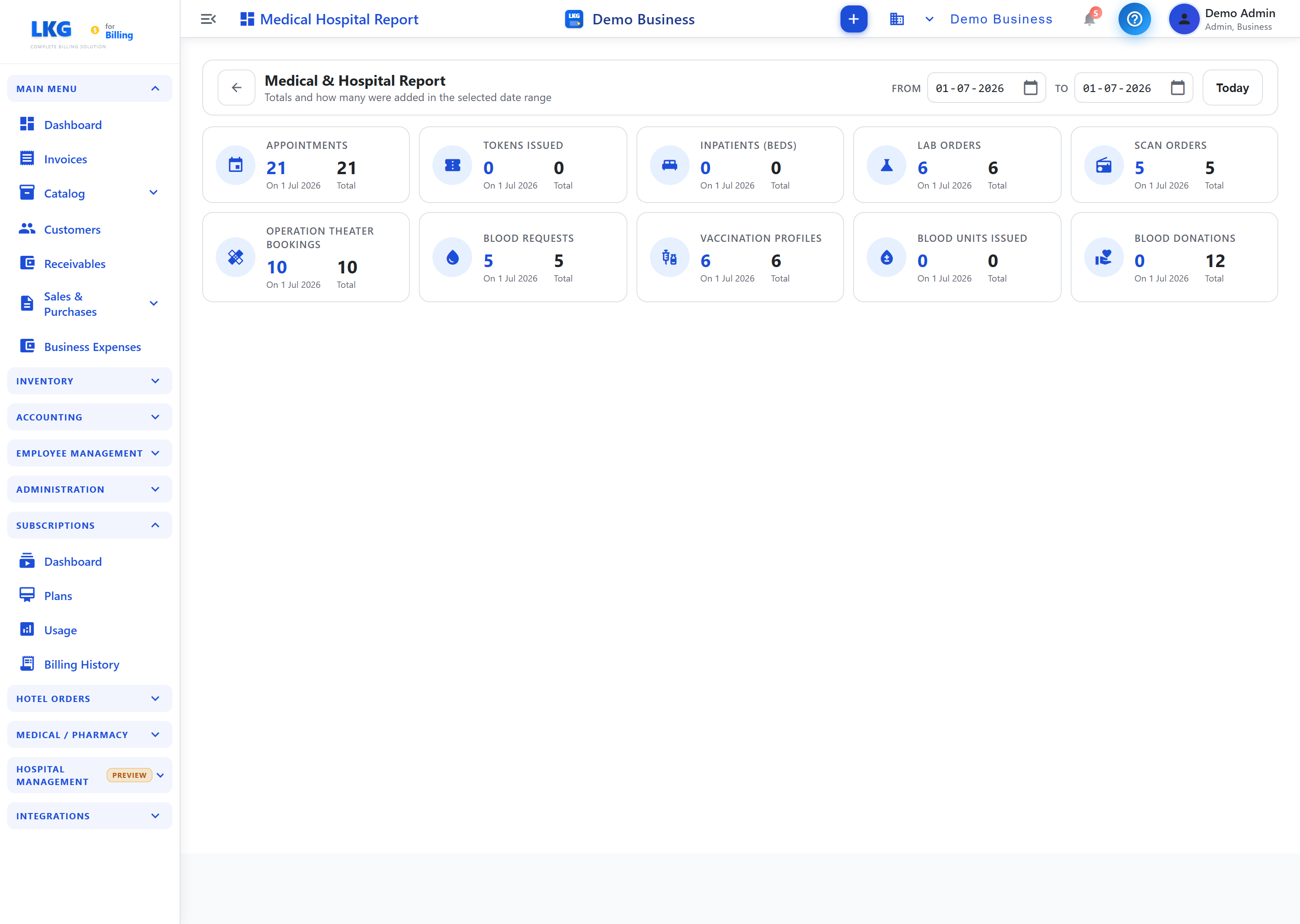
Overview
This report is designed for clinics, hospitals, and healthcare providers who use the Medical Management and Hospital Management modules. It combines billing data from:
- Outpatient consultations
- Inpatient admissions
- Laboratory tests
- Imaging and scans
- Pharmacy dispensing
- Operation theater procedures
- Vaccination services
Filters
| Filter | Description |
|---|---|
| Date Range | Filter by service date (From / To) |
| Service Type | Filter by category — Consultation, Lab, Pharmacy, Surgery, etc. |
| Doctor / Staff | Filter revenue attributed to a specific doctor or staff member |
| Department / Ward | Filter by hospital ward or department |
Summary Cards
| Card | What It Shows |
|---|---|
| Total Revenue | Total billing across all services in the period |
| Consultation Revenue | Revenue from outpatient and inpatient consultations |
| Lab & Imaging Revenue | Revenue from lab tests and imaging scans |
| Pharmacy Revenue | Revenue from pharmacy dispensing |
Report Breakdown
Service-wise Analysis
| Column | Description |
|---|---|
| Service Type | Category of medical service rendered |
| Count | Number of services provided |
| Total Billed | Total amount billed for this service type |
| Total Collected | Amount actually collected / paid |
| Outstanding | Unpaid balance |
Patient-wise Analysis
| Column | Description |
|---|---|
| Patient Name | Patient's full name |
| Visit Date | Date of service |
| Services | Services provided during the visit |
| Total Billed | Total amount for this patient's visit |
| Payment Status | Paid, Unpaid, or Partial |
Exporting the Report
Use the Export button to download the report as CSV or Excel for further analysis or submission.